
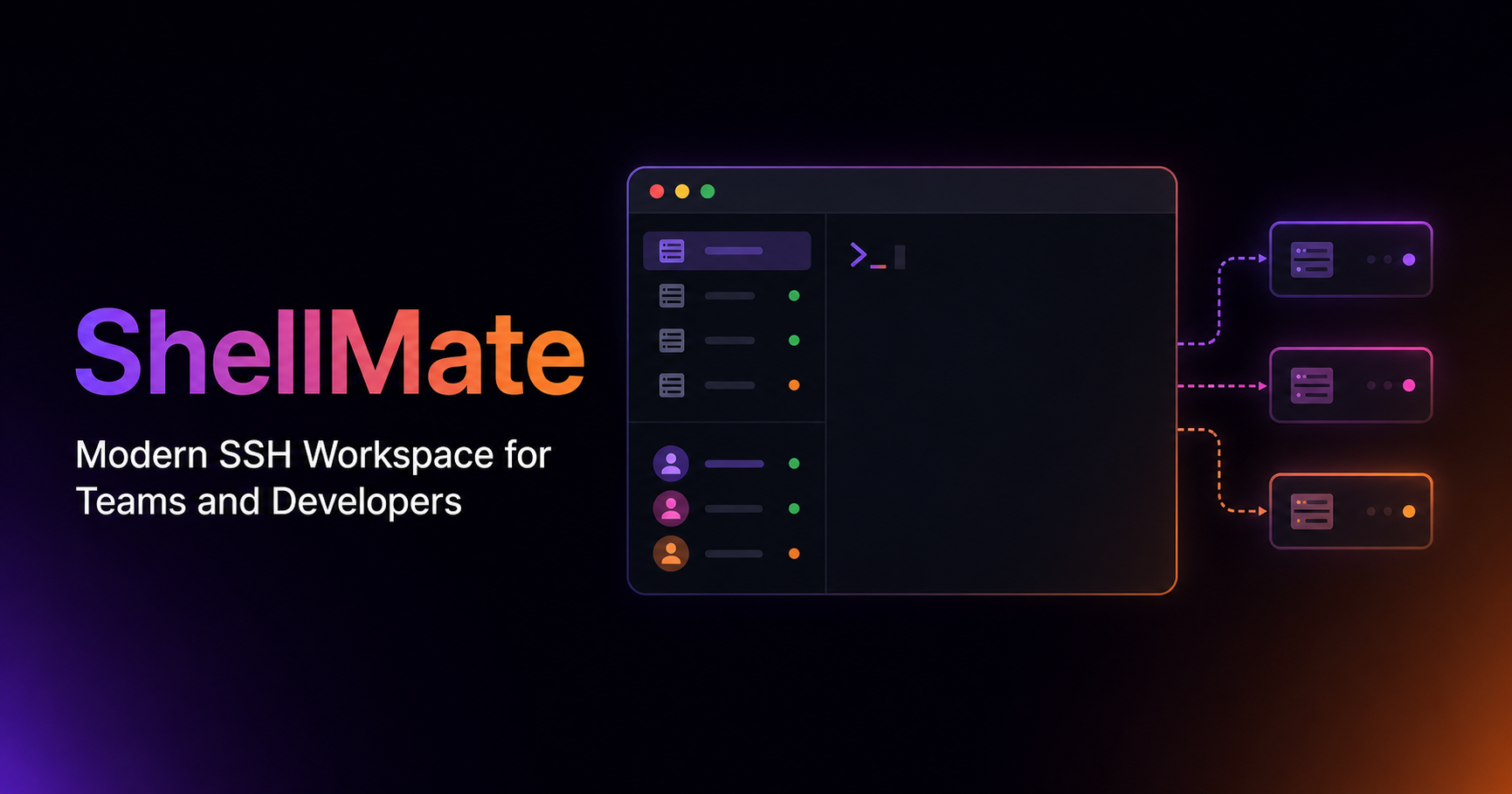
ShellMate SSH Client is a robust and intuitive software-as-a-service (SaaS) solution designed for secure remote access and collaborative workspace management. It serves as an advanced SSH client, empowering technical professionals to efficiently manage servers and infrastructure across various operating systems.
This powerful tool is specifically tailored for developers, system administrators, and DevOps teams who require reliable, secure, and collaborative access to remote machines. It streamlines workflows for individuals and teams working with distributed systems.
Key Features
Secure SSH Connectivity: Establishes encrypted SSH connections for safe remote server management.
Collaborative Sessions: Enables multiple users to join and interact within the same terminal session, fostering team productivity.
Cross-Platform Compatibility: Fully functional on Windows, macOS, and Linux operating systems, ensuring broad accessibility.
Session Management: Offers advanced features for organizing, saving, and quickly accessing frequently used SSH connections.
Integrated Terminal: Provides a feature-rich terminal experience with customization options for enhanced user comfort and efficiency.
Use Cases
For DevOps teams, Modern SSH Client is invaluable during incident response, allowing multiple engineers to simultaneously diagnose and resolve issues on production servers. Its collaborative features facilitate real-time problem-solving, reducing downtime and improving communication. It also serves as an excellent platform for pair programming or collaborative scripting, where developers can work together on remote codebases or configurations.
System administrators can leverage this client for routine server maintenance, patch management, and configuration updates across their entire infrastructure, regardless of the underlying operating system. The ability to share sessions simplifies training new team members or demonstrating complex procedures without needing to physically be in the same location.
Pricing Information
While specific pricing tiers are not detailed, Modern SSH Client operates on a paid subscription model, typical for professional-grade SaaS tools. A free trial is generally available, allowing prospective users to explore its comprehensive features and collaborative capabilities before committing to a subscription.
User Experience and Support
The user interface of Modern SSH Client is designed for clarity and ease of use, featuring a modern aesthetic and intuitive navigation. It aims to provide a seamless experience for both seasoned professionals and new users. Comprehensive documentation, including setup guides and tutorials, is typically provided to assist users. Support options often include email assistance, a knowledge base, and community forums to address user queries and technical challenges.
Technical Details
Given its cross-platform nature and focus on a modern user experience, Modern SSH Client likely utilizes robust, cross-platform development frameworks. While specific programming languages or frameworks are not disclosed, it is engineered to deliver high performance and security across Windows, macOS, and Linux environments.
Pros and Cons
Pros: Enhanced team collaboration for remote work; Strong security features for sensitive operations; Broad cross-platform support; Streamlined server management workflows; Intuitive user interface.
Cons: Potential learning curve for advanced collaborative features; Customization options might be limited compared to highly specialized tools; Requires an internet connection for collaborative features.
Conclusion
Modern SSH Client stands out as an essential tool for any technical team requiring secure, efficient, and collaborative remote access. Its focus on cross-platform compatibility and team-oriented features makes it a valuable asset for modern development and operations. Explore Modern SSH Client today to revolutionize your remote infrastructure management and team collaboration.
Comments
Publisher

Launch Date2026-08-19
Platformdesktop
Pricingfreemium
Tech Stack
#web
Outbid
View🥇 🥈
🥈 🥉
🥉
Want this spot? Pay what you wantBoost Domain Rating - Boost Domain Rating is a platform to discover and upvote the best tech products. Find top products launching daily.
Boost Domain Rating is a platform to discover and upvote the best tech products. Find top products launching daily.
$35
DirEasy - The Best Directory Boilerplate with AI | DirEasy
The best directory boilerplate, packed with AI, Listings, Payment, Submission, CMS, Blog, Authentication, Newsletter, SEO and more.
$30
Quiz Shot - Solve Any Screenshot Question in Seconds.
AI Study Assistant that answers any screenshot question. Get free AI tutor and step-by-step math and homework help with ChatGPT.
$25